Testing Punchout Catalogs
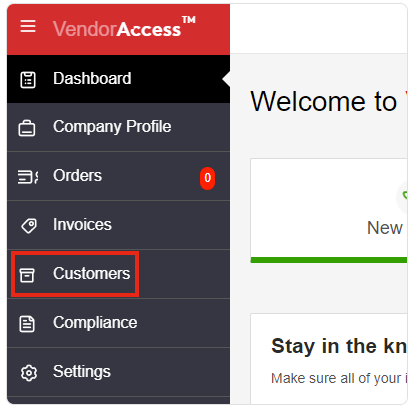
First click on the Customers sidetab.
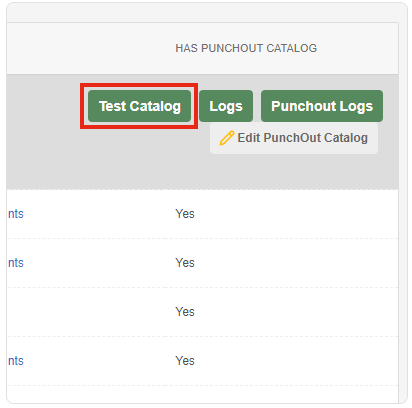
In the Customers window, the Customers List tab is selected by default. Now click Test Catalog on the right side of the window under the Has Punchout Catalog column to open the Test Catalog window. From there, you'll see the punchout catalog.
Once done viewing your catalog, click Close in the top right corner to exit the Test Catalog window and returnto the VendorAccess site.