Setting up payment information
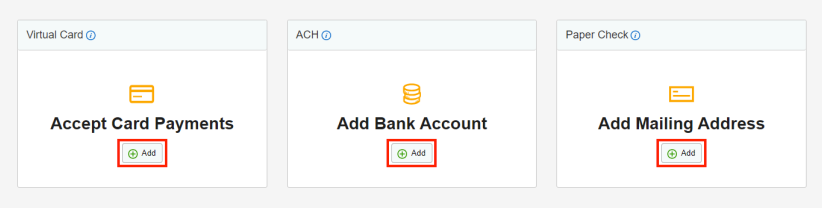
There are three different methods of Bill Pay that you are able to set up in VendorAccess: virtual card, ACH, and paper check. To manage your payment preferences you will go to:
1. Company Profile sidetab, and then click on Get Paid
2. Now you can click on Virtual Card, ACH or Paper Check to update the correct information. You do not need to set up all of them, simply choose the payment method that works best for you. Virtual Card or ACH are easiest to manage and have no extra fees.