Reviewing Punchout Catalog Logs
Punchout catalog logs are available for vendors to see if orders and invoices have been sent successfully. Here's how to review the punchout catalog logs.
The logs present the following data fields:
- id
- cid
- vendor_id
- order_header_id
- action
- punchout_response
- created_by
- created_on
1. On the sidetab of your VendorAccess account click on Customers
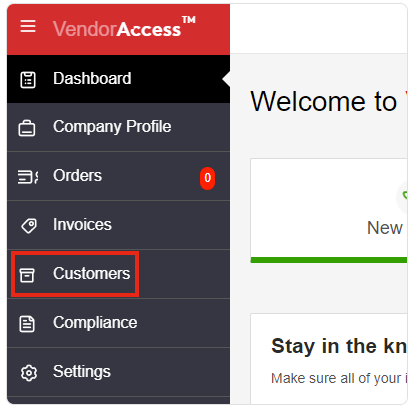
2. In the Customers window, the Customers List tab is selected by default. Next click Logs on the right side of the window under the Has Punchout Catalog column to download the punchout logs to your computer.

3. Now you are ready to review the log data by opening the punchout_logs file